Over the years I’ve built several small apps to fix things that annoy me every day and to help learn about new ways of applying AI across the entire product development lifecycle. Not really proper side-hustles or products with roadmaps, just fun tools that I use myself, and then clean up enough to share with like-minded lovers of calm, simple and focused productivity tools.
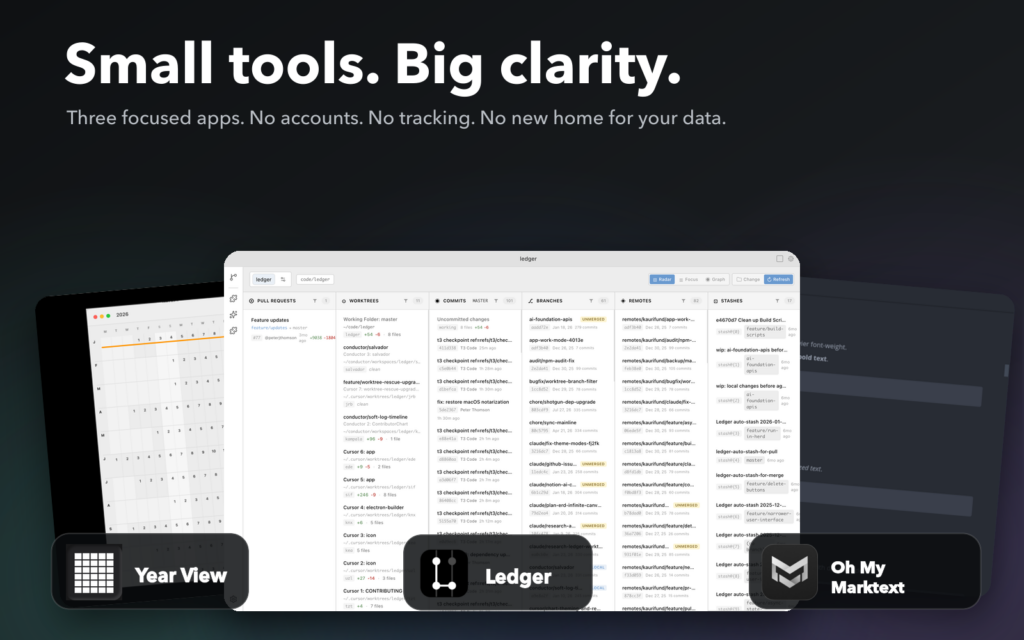
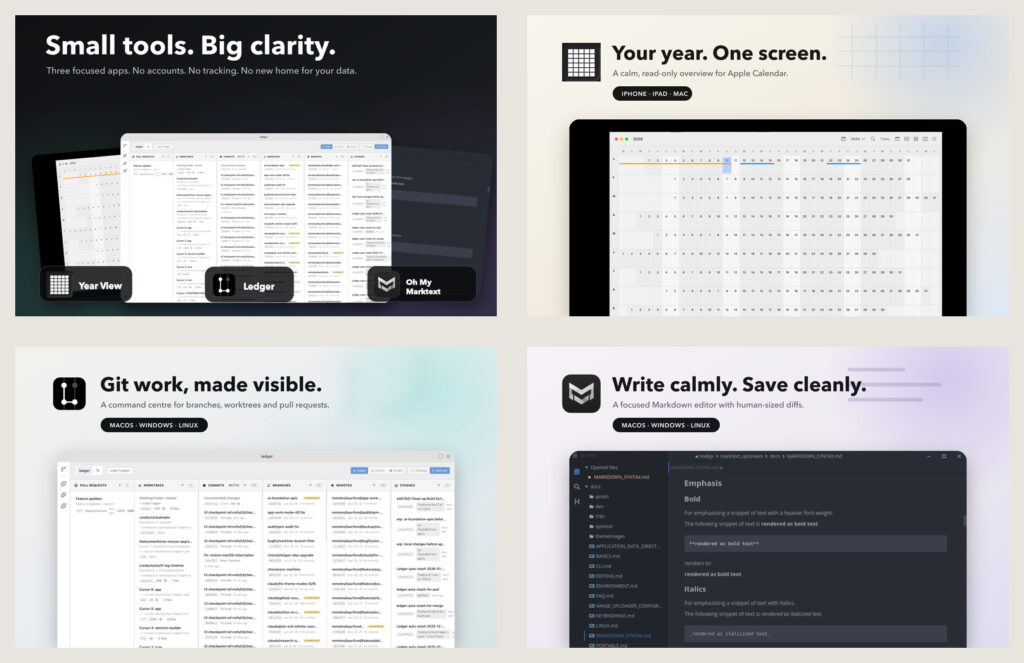
There are three personal tools worth sharing: a calm calendar planner, a visual git client, and a simplified markdown editor. They’re all open source, free, and they all share the same bias: Do one thing. Show it clearly. Don’t create a new SaaS account and don’t invent a new place for data to live. Each of them started because the incumbent tools were either too busy or too clever, and I wanted the calm, simple and efficient version.
Year View: Clean, Minimalist Calendar Planner
GitHub Download: https://github.com/peterjthomson/year-view
iOS & iPadOS https://apps.apple.com/us/app/year-view-planner/id6757597694
MacOS https://apps.apple.com/us/app/year-view-planner/id6757597694?platform=mac
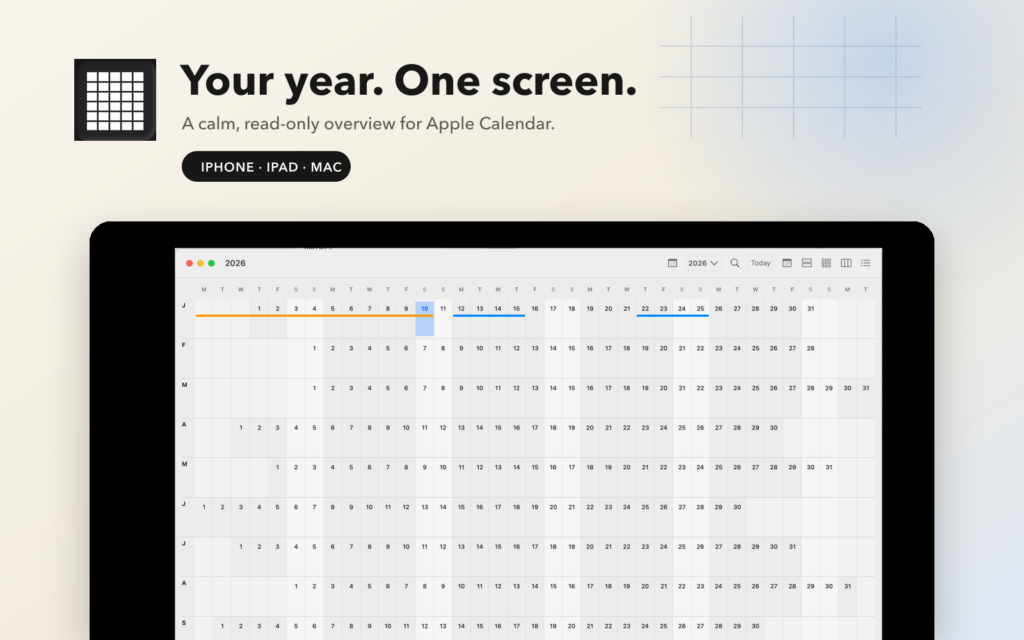
Apple Calendar and Google Calendar are good at showing you today, this week, and even this month. But they are close to useless at showing you the coming year. That annoyed me because the year is the unit that matters when you’re deciding whether to take a board seat, book a holiday, or commit to a conference.
Year View is a year-at-a-glance companion for Apple Calendar. Twelve months on one screen, every event colour-coded by calendar, on a Mac, an iPad, or a iPhone. You see the shape of the year, the dense weeks, the empty stretches, the three trips that turn out to be in the same fortnight.
The important design decision was making it read-only. Year View never writes to your calendar. It reads through EventKit and deep-links straight back into Apple Calendar (or Google Calendar) for anything you actually want to change. That one constraint removes an entire category of problems: no sync engine, no conflict resolution, no chance of the app quietly mangling an invite. It’s a lens over data you already own, not another calendar to keep in step.
Under the hood it’s plain SwiftUI with no third-party dependencies and no complex architecture frameworks. Calendar data flows one direction: EventKit into a view model into the user’s view.
It’s on the App Store for iPhone, iPad and Mac, and there’s a signed, notarized universal binary on GitHub if you’d rather download it directly.
Oh My Marktext: Calm, Focused Markdown Editor
GutHub Download: https://github.com/peterjthomson/marktext
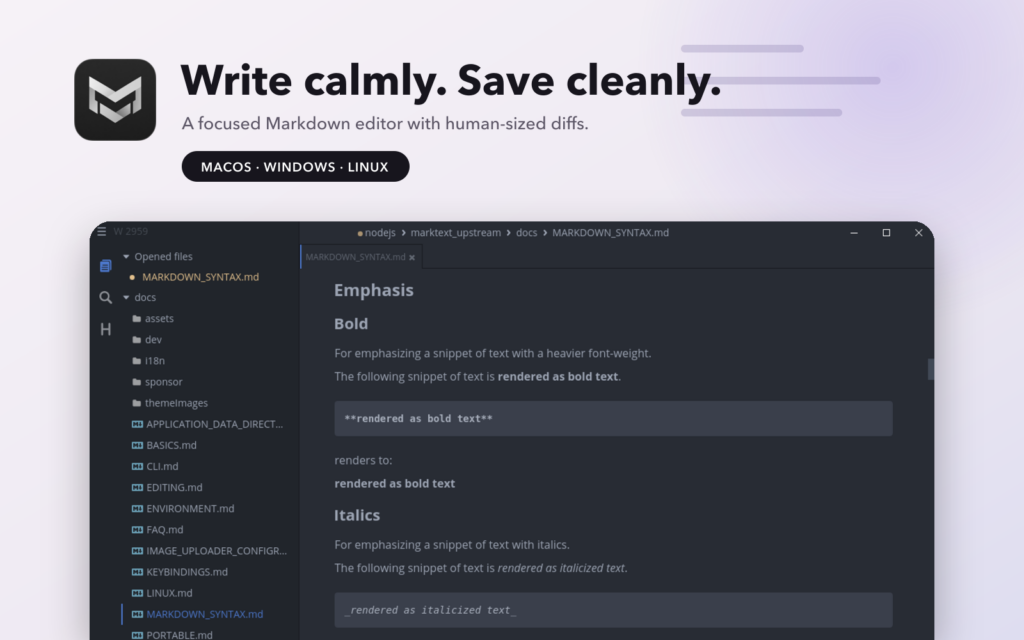
The original MarkText is great software, a real-time WYSIWYG Markdown editor with no mess, no complex vault and sidebar full of features, and no subscription. It’s what I want an editor to be. Unfortunately it was abandoned for several years and I forked the project to keep it alive. The maintainer has now returned so Oh My Marktext is going to evolve into a long-running sister fork of the main app, in the same spirit as Oh My Zsh to Zsh and Omarchy to Arch: track upstream, keep the handful of configs and deltas that make things really sing.
To be clear about what this is not, it isn’t a replacement for MarkText. Upstream does the hard work: the editor, the Muya engine, the modernisation. All the credit is theirs. My fork carries modest personal changes upstream hasn’t taken, and where a change is generally useful the goal is to send it back as a PR eventually.
Signed and notarized macOS builds: Official builds ship unsigned, which means a non-technical colleague who downloads the DMG gets a Gatekeeper warning and needs someone to talk them through `xattr -cr` in Terminal. That’s a hard stop for the exact people I most want writing docs. OMM’s builds are signed with a Developer ID and notarized, so the install is a double-click.
Light Touch Save: This is the one I care about most. MarkText (and most editors) regenerates a document’s Markdown from its internal block model on every save, which is correct but means opening a file and hitting ⌘S can rewrite list markers, blank lines and trailing whitespace across the whole document. In a shared repo that produces a 400-line diff for a one-word edit, and reviewers stop reading. Light Touch compares the regenerated output against the bytes originally read from disk: no semantic change means the original file is written back byte-for-byte, and where there *is* a change, untouched lines keep their exact original formatting. The diff matches the edit you actually made.
User Interface Affordances: Font zoom shortcuts, a style-first paragraph menu, a save spinner and a dirty indicator — small things that matter when non-developers are editing docs that live in a git repository.
It installs side by side with official MarkText. Distinct app ID, product name and user-data directory, separate preferences, and an auto-updater that only ever points at this repo. Linux, macOS and Windows builds are on the releases page.
Ledger Code: Minimalist, Visual Version Control
GitHub Download: https://github.com/peterjthomson/ledger
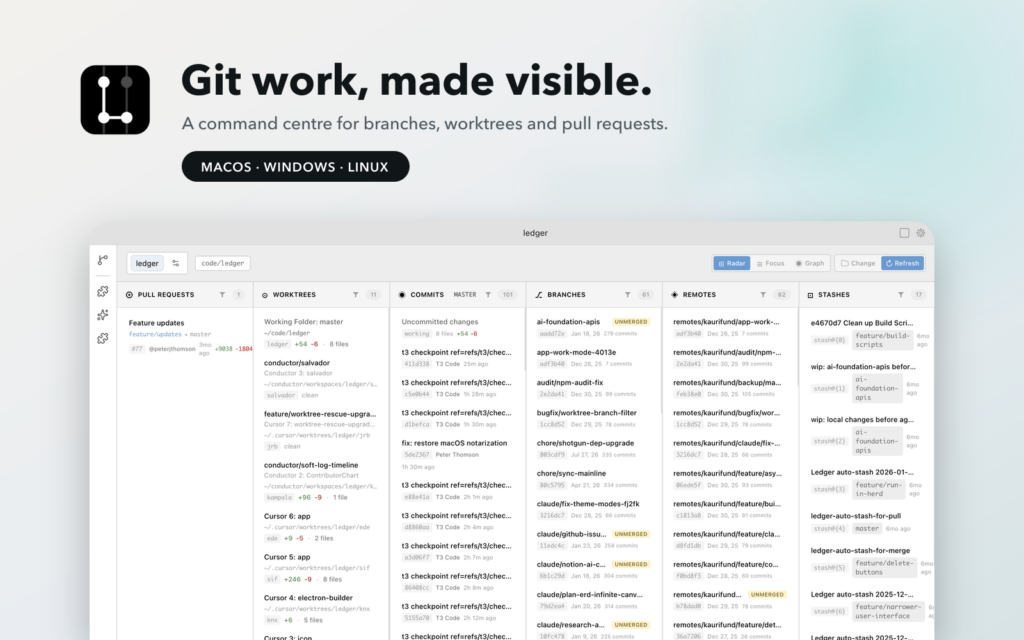
Git’s version control data model has aged extremely well. The tooling around it has not. Many people don’t write most of their code any more. They supervise a handful of coding agents, some running locally in worktrees, some running in the cloud and they generate branches faster than they can review them. The bottleneck has moved. It’s no longer “how do I write this change”, it’s “what are the eleven things in flight right now, which of them are ready, and which one is quietly three weeks stale?”
Ledger is the answer to that question: a command-and-control radar for a repository. One window shows open pull requests (via the `gh` CLI), local and remote branches with commit counts and dates, active worktrees with change stats, and the stash. Filters that match how you actually triage: unmerged only, drafts only, sort by first commit rather than last so the forgotten work floats up.
It’s also opinionated in a way most git GUIs refuse to be. Auto-stash on switch and pull where it’s safe. A “PR preview” virtual merge that answers *what would this branch contribute if I merged it right now*. Convert a stash or a worktree straight into a branch. Mailmap support so the same human isn’t three different contributors. These are paper cuts, individually trivial, but removing them is most of what a good tool does.
Ledger runs entirely locally and shells out to `git` and `gh` — no server, no hosted account, your credentials stay in the tooling you’ve already configured. It’s Electron, React 19 and TypeScript with builds for Apple Silicon, Linux (deb and AppImage) and Windows.
The common thread
Three apps, one shape. Each takes something I use constantly and removes the part that was getting in the way, an extra write path, a missing overview, a noisy diff. None of them adds a service, an account, or a copy of your data somewhere else. They read what you already have, show it well, and hand you back to the tool that owns it.
They’re also all built using the product development pattern that leading edge tech startups and dev teams are increasingly using every day: with coding agents doing most of the typing, which is precisely why a tool like Ledger needed to exist in the first place.
Feedback, feature requests, issues and pull requests welcome on all three.